PDF Convert — Image to PDF
Image & Document to PDF Converter App
Overview
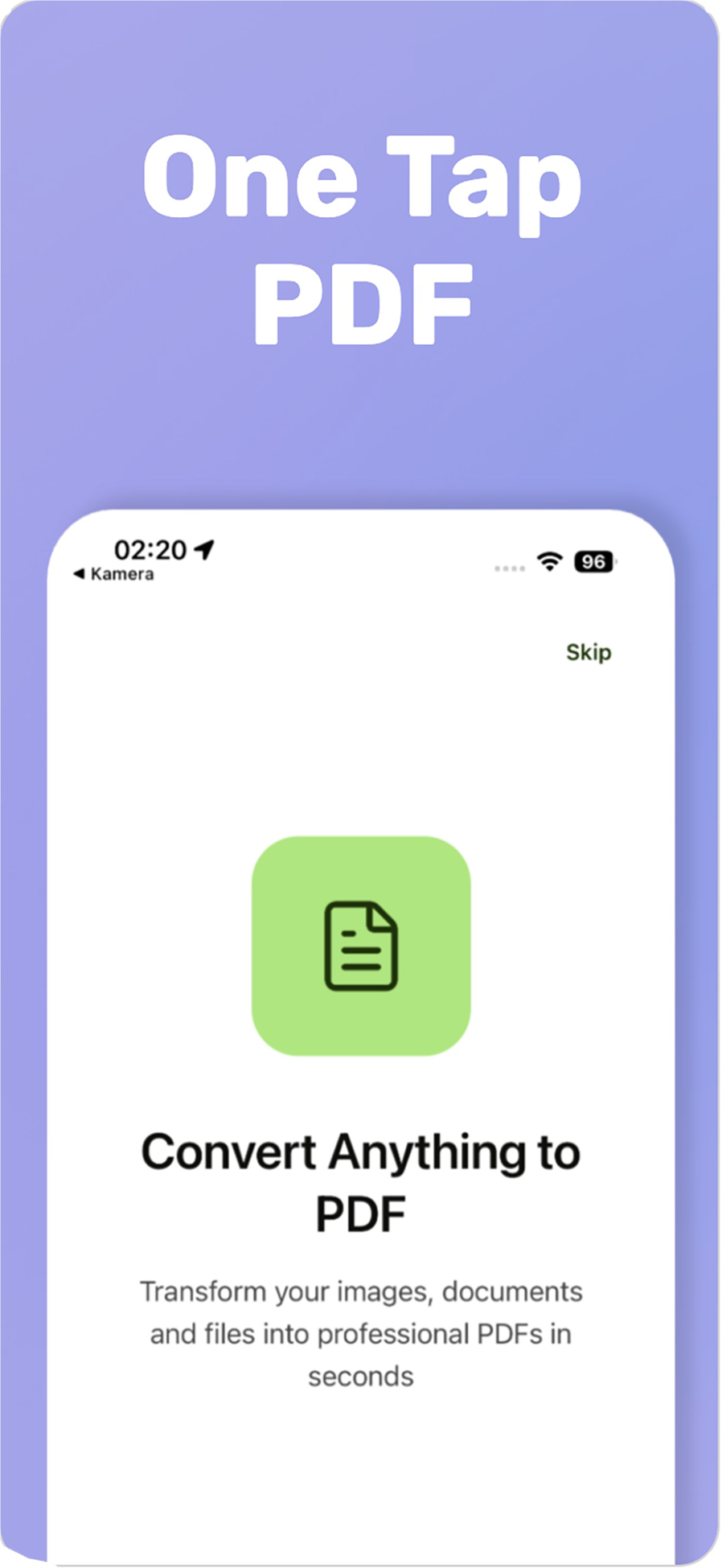
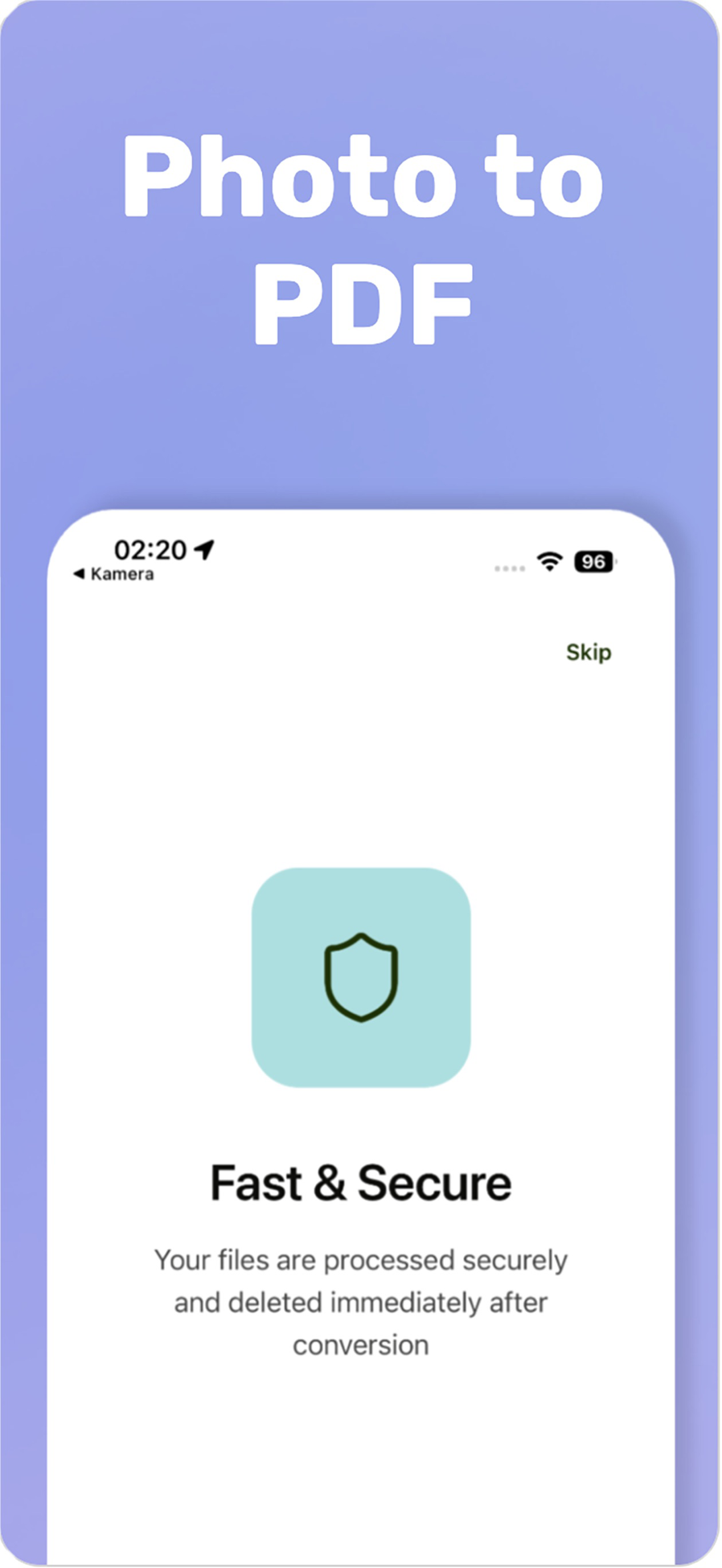
PDF Convert is a solo-built iOS utility that turns images and Office documents into PDFs and manages existing PDFs through six conversion tools. Rather than assembling PDFs on-device, it drives a cloud conversion engine (iLovePDF) through a Supabase Edge Function that keeps the API credentials off the client, then downloads and stores the finished file locally. It is localized in five languages and reports live progress at every step.
What It Does
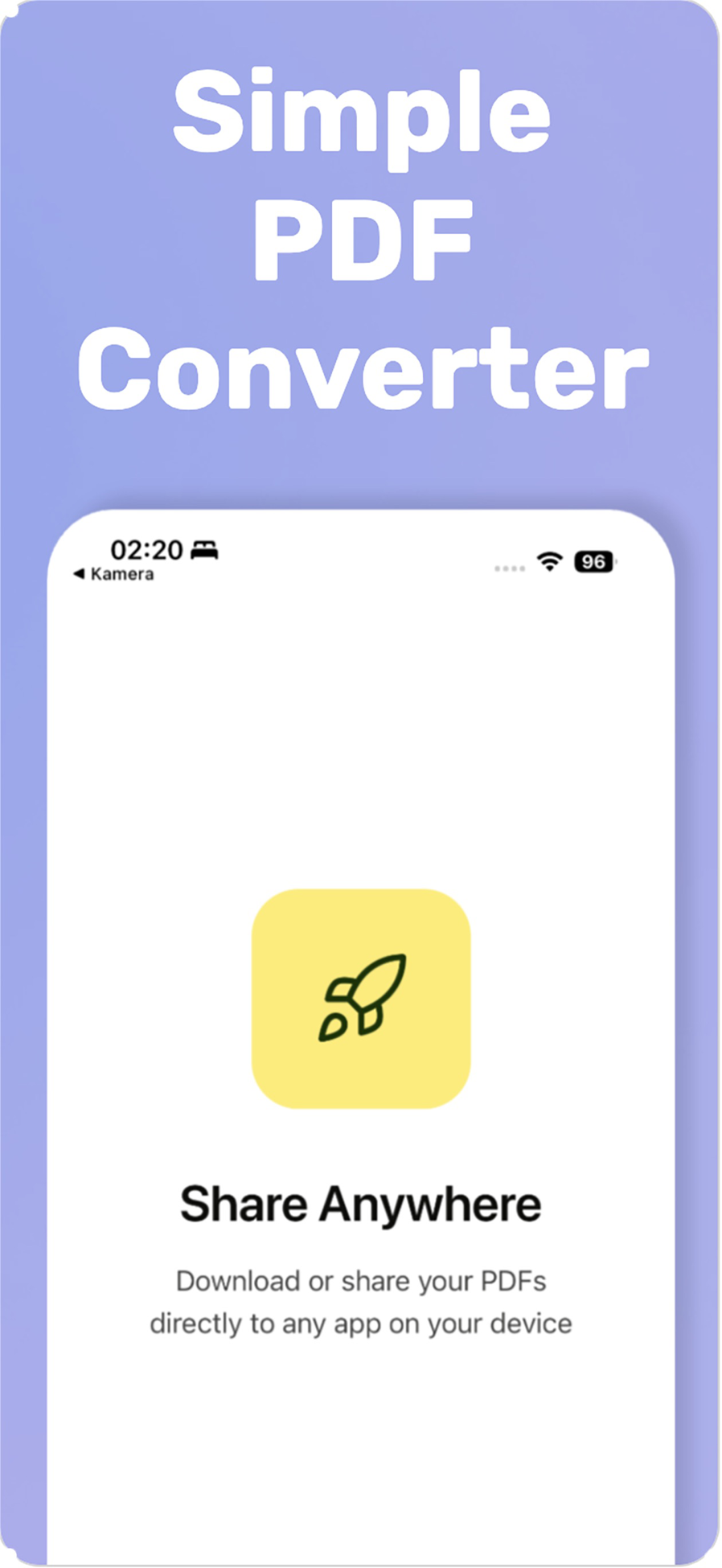
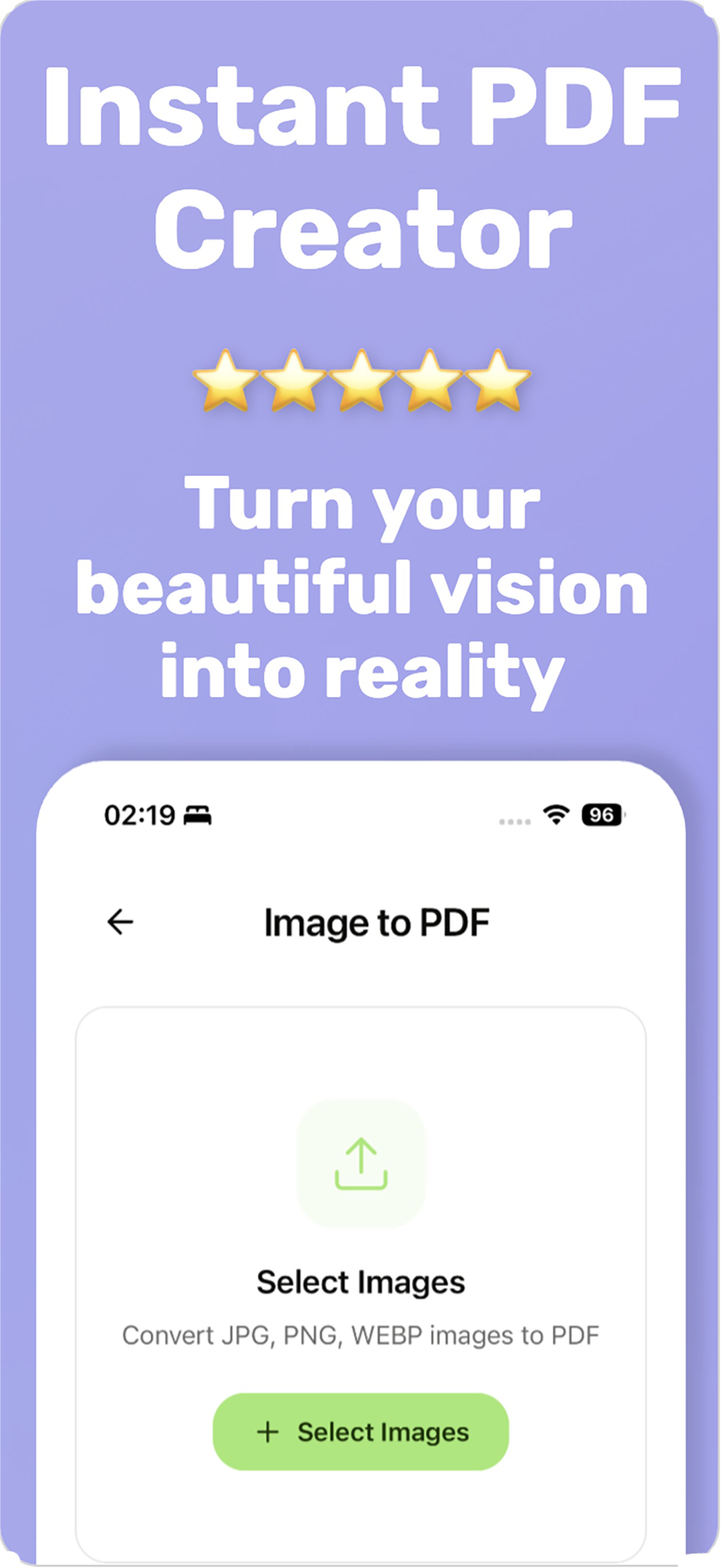
Users choose a conversion, select images from the library or documents from the file picker, and the app uploads, converts and downloads the result while showing upload, processing and download progress. Finished PDFs can be shared or saved to the device through the native share sheet, and the last conversions are kept in a recent-files list that can be reopened, shared, or cleared.
Key Features
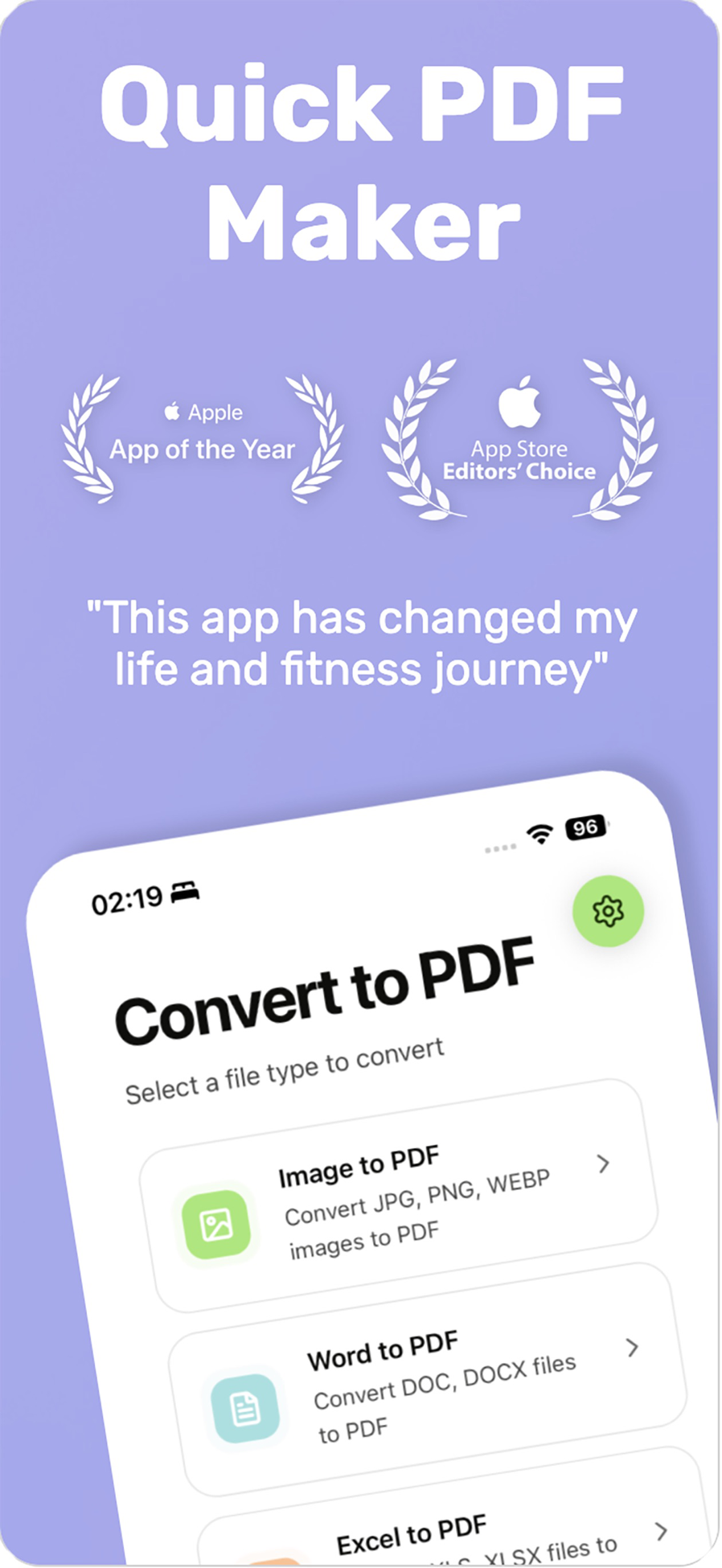
Six conversion tools: images to PDF, Word, Excel and PowerPoint to PDF, merge PDFs, and compress PDF
Combine up to twenty images into a single PDF in selection order
Photo-library picker for images and a MIME-filtered document picker for Office and PDF files
Share or save the finished PDF via the native share sheet (saved to Files/Downloads)
Recent-conversions history with reopen, share, per-item delete and clear-all
Step-by-step progress feedback across uploading, processing and downloading stages
Client-side file-size validation before upload
Five-language localization (English, Turkish, German, Spanish, French) with device-locale detection
Gallery
Technical Highlights
Key Achievements
Designed, built and shipped the full app solo, from onboarding through App Store release (v1.2.0)
Architected a secure conversion pipeline that keeps third-party API keys server-side behind a Supabase Edge Function
Delivered six distinct conversion tools behind a single, consistent conversion flow with real-time progress
Shipped five-language localization and a monetization model combining banner and frequency-capped interstitial ads
Impact & Results
A self-published utility live on the App Store that makes converting photos and Office files to PDF, and merging or compressing PDFs, a quick, single-tap task on mobile.